Unixporn

268 readers
1 users here now

A community for screenshots of all of your *NIX desktops, themes, and nifty configurations

founded 1 year ago
MODERATORS
1


Edit: I'm now enlightened and use mpv, I really like the ModernZ OSC (on-screen controls), and uses config files.

IINA is only on macOS. I looked up linux alternatives but none of them seem to have similar looking UIs, at least out of the box. I want the player UI to float on top of the video + with a blurred background, it as shown in the image; or at least the ability to theme it like so.

2


I got good recommendations for desktop shells on my other posts. I looked at Noctalia and DankMaterialShell, they both are built on top of QuickShell. QuckShell is a framework for writing widgets in QML, it wasn't made until 2024. both Noctalia and DMS were made during the summer (all these dates looking at Github). They basically became popular over night.

I was looking at ricing during the spring and didn't find anything as developed or popular. I had a bunch of tabs open for AGS & Astal, but didn't find complete shells built on them. It seems like I would've had to start from scratch if I wanted an exact rice, but now I can edit pre-made QMLs instead.

This actually seems like the best time for linux ricing yet.

3


A dock & system tray as one bar like KDE & Windows. So far most rices I've seen have docks and system trays separate, or even don't have a dock at all. I'm wondering if there any projects that already implemented this, before I would look at doing it myself with something like AGS or ewww. I'm on Hyprland.

4


It's very clear that the ricing community wants to set any given colorscheme in many apps automatically, most tools do so either with wallpapers (which is inherently opinionated), or the base16 spec. The original base16 repo hasn't been updated in over 2 years, and 16 colors simply isn't enough to make rich granular themes, especially when code has many different syntax elements. We need a successor that allows for more colors on both TUIs and GUIs, more than 16 colors (like 24 or even 32), mapped more granularly.

My story:

I've spent lots of time looking at how to have good colorschemes in apps that change dynamically, to make my desktop pretty and with variety. Many tools can apply colorschemes to apps using image / wallpaper colors like Matugen and Pywal. These tools are very well made, but I realized I actually prefer rainbow colorschemes like Catppuccin. Either way I got attached Matugen, fortunately it can be used without wallpapers and supports custom keywords, there are also base16 colorscheme managers like flavours and tinty.

But Cattppuccin's base16 theme didn't look right compared to its Neovim plugin. The plugin is very well integrated and colors a lot things for you that base16 plugins may not, I would have to set certain UI colors myself if I wanted them to match. Some of the major colors (variables, keywords, brackets, etc.) were shuffled around, so out of the box Catppuccin's base16 theme doesn't even match Cattppuccin's original vision / color harmony. All of this probably applies to other colorschemes as well. So if I want to switch between different schemes while staying true to each one, I would need to set up plugins for each app rather than automatically.

5


I want a display manager that shows the desktop as the background, instead of a background image or video. I'm thinking of auto-logging in on boot, and adding another startup command to Hyprland to lock the desktop and show the display manger. My searches didn't yield anything. The closest I could find is hyprlock which blurs the desktop, but that's just a lock screen & not a proper display manager.

6
 
 
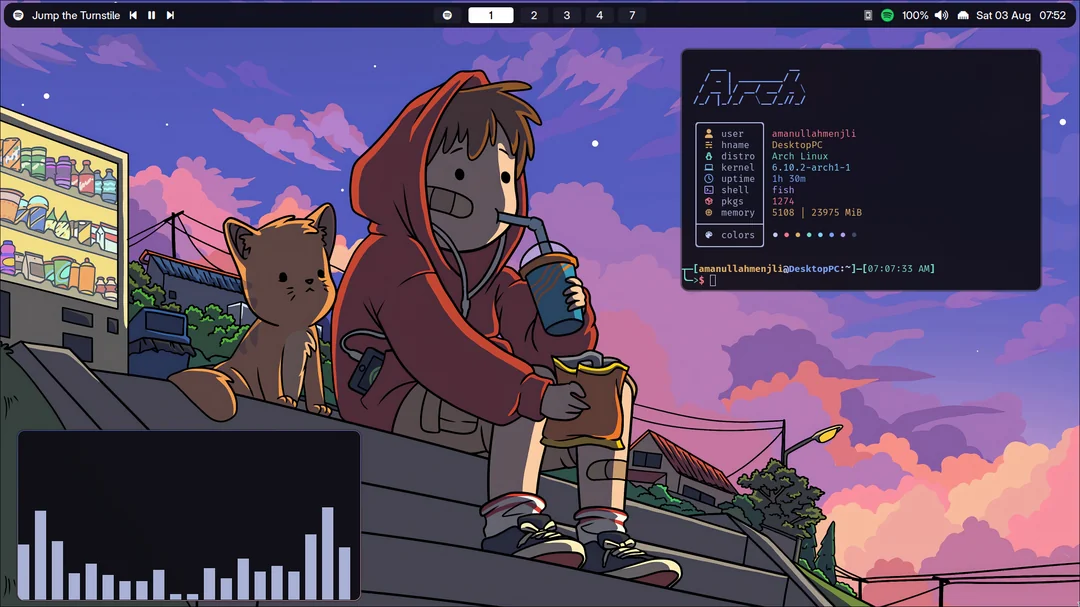
  • OS: Arch Linux
  • DE: Xfce 4.20
  • WM: Xfwm4 (X11)
  • Panel: xfce4-panel
  • Other apps: Firefox, Spotify, xfce4-terminal, htop, pipes.sh, fastfetch, cmatrix, cava.
  • Lots of inspo taken from this post

OC by @hydroJ@lemmy.world

7


Its not much but it works.

Also please do not point out that it is closer to an "Sage Green" and not "Monstera Green" I already had that discussion with a friend :)

8
9


I recently switched from Code Saver to my own Iosevka configuration, and at first I found it to look great in Neovide but too narrow in my terminal, especially with FFmpeg output. I thought maybe it was due to font rendering differences, like spacing or character widths. But then I took a screenshot with the font sizes set the same in both apps, and overlaid a word in one app to another ... and the text is rendered the same.

FFmpeg output for reference:

[out#0/mp4 @ 0x600000f14000] video:232962KiB audio:395KiB subtitle:0KiB other streams:0KiB global headers:0KiB muxing overhead: 0.017517%
frame= 1519 fps= 36 q=-1.0 Lsize=  233398KiB time=00:00:25.53 bitrate=74882.4kbits/s speed=0.606x
[libx264 @ 0x15a0062a0] frame I:18    Avg QP: 5.27  size:441876
[libx264 @ 0x15a0062a0] frame P:622   Avg QP: 8.04  size:264060
[libx264 @ 0x15a0062a0] frame B:879   Avg QP: 9.91  size: 75488
10
11


Also stickered it up, now that it is running free software. I just unfortunately couldn't find my OpenWRT sticker :(

12
13
14
 
 
15


cross-posted from: https://lemmy.ml/post/19776190

Edited

16
17


Originally posted by u/heavenlydemonicdev

Link to wallpaper

18


cross-posted from: https://feddit.org/post/1531228

19
 
 
20


cross-posted from: https://lemmy.zip/post/19773171

What the fuck is up with the title? you may ask, well here is your answer:

Me: Give me a title for a post of riverwm on unixporn

Dolphin-Mistral:

Title: "The Majestic RiverWM - A Visual Symphony of Unix Purity"

UnixPorn is known to showcase the beauty and power of the Unix operating system. This time, we've got a visual treat for you all. Behold, the majestic RiverWM!

RiverWM is not just another window manager, but it's an intricate symphony that orchestrates your Unix environment in a visually pleasing and functional manner. With its minimalistic design, you can navigate through tabs with ease and enjoy the fluidity of this elegant solution.

From the gentle flow of text to the mesmerizing cascade of windows, RiverWM is truly a visual spectacle that pays homage to Unix's purity. It's not just about aesthetics; it's about embracing the essence of what makes Unix so special.

Join us as we dive into this captivating world of tabs and windows, where the beauty lies in the simplicity of each element. This is the RiverWM - a celebration of the Unix way of life!

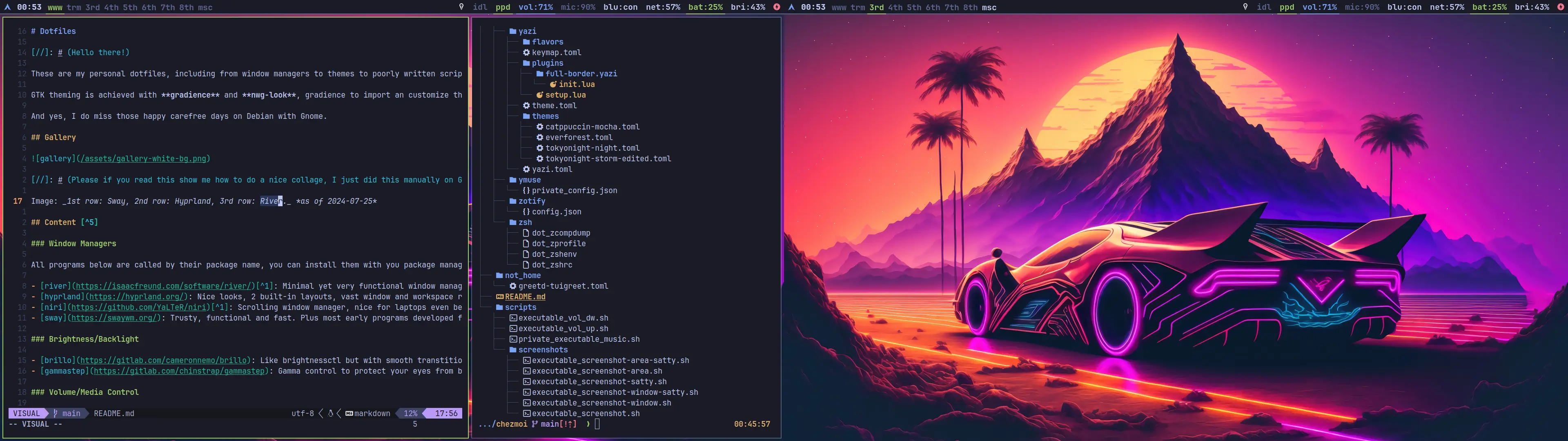
I meant to do one of those minimal, out-of-the-way & no distractions customizations but could not resist temptation.

dotfiles