Steam Hardware
A place to discuss and support all Steam Hardware, including Steam Deck, Steam Machine, Steam Frame, and SteamOS in general.
As Lemmy doesn't have flairs yet, you can use these prefixes to indicate what type of post you have made, eg:
[Flair] My post title
The following is a list of suggested flairs:
[Deck] - Steam Deck related.
[Machine] - Steam Machine related.
[Frame] - Steam Frame related.
[Discussion] - General discussion.
[Help] - A request for help or support.
[News] - News about the deck.
[PSA] - Sharing important information.
[Game] - News / info about a game on the deck.
[Update] - An update to a previous post.
[Meta] - Discussion about this community.
If your post is only relevant to one hardware device (Deck/Machine/Frame/etc) please specify which one as part of the title or by using a device flair.
These are not enforced, but they are encouraged.
Rules:
- Follow the rules of Sopuli
- Posts must be related to Steam Hardware or Steam OS in an obvious way.
- No piracy, there are other communities for that.
- Discussion of emulators are allowed, but no discussion on how to illegally acquire ROMs.
- This is a place of civil discussion, no trolling.
- Have fun.
view the rest of the comments
Use sunshine plus moonlight, it's a much better solution. You can make it even better on deck with Moondeck plugin.
I've had issues with remote play for years and it never gets any better nor do they really add any new features to it.
@Jz5678910 How is sunshine and moonlight a better solution? There is no NAT traversal, no remote install, and you have to manually add all of your games.
Is there some magic moonlight version that fixes this that I am unaware of?
For one, the streaming actually works, that's an immediate win. HDR is also present. Image quality is better at the same bitrate.
But to your other points,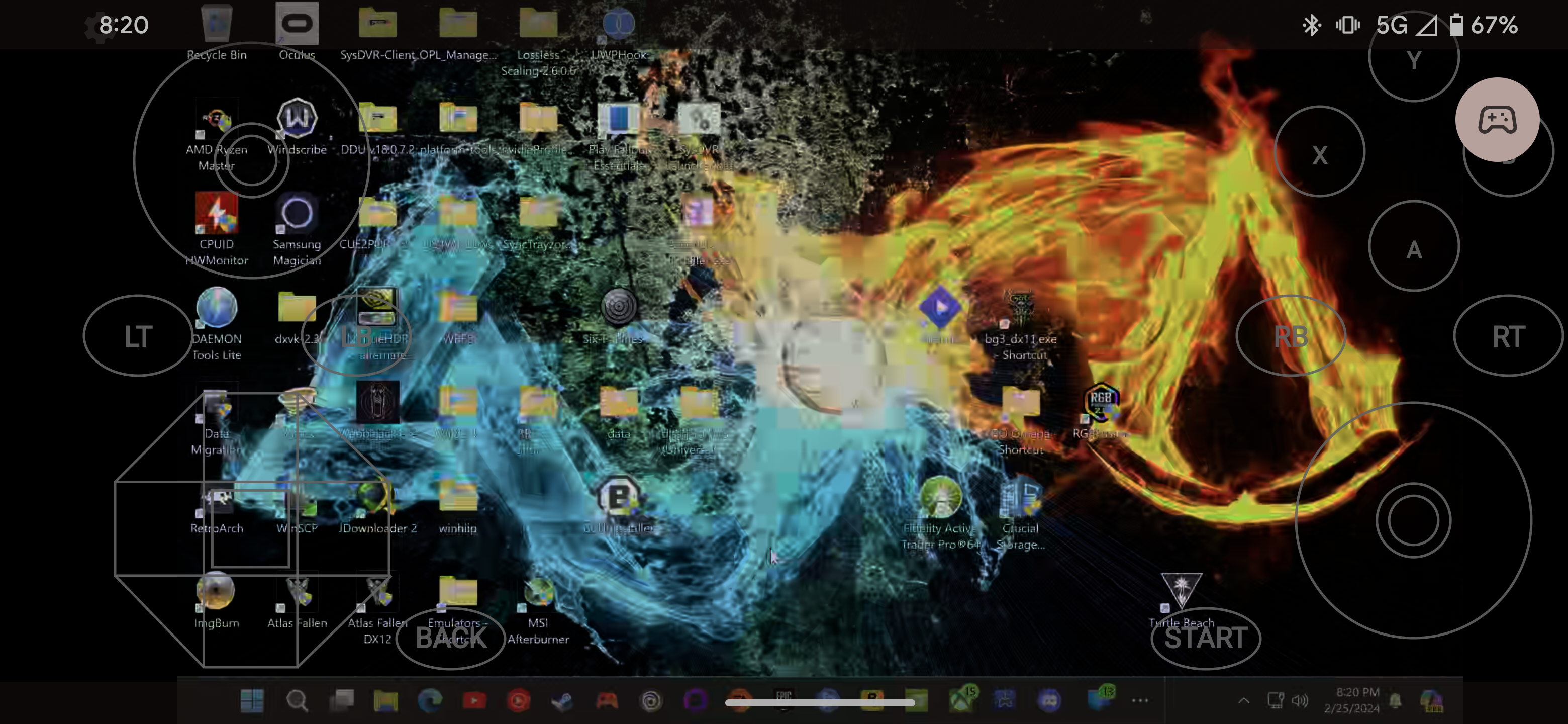
Remote install I was not aware that steam remote play could do, that's a pretty nice feature! Streaming big picture mode and choosing a game to download is easy enough though.
Steam big picture is there by default, and your whole steam library is there. You can add games manually too, but personally I use big picture for my steam library and playnite for everything else. Plus the games that were scanned through GeForce experience were automatically imported, not sure if that'll be the case going forward though. But they do have an import script.
Edit: not sure how it appears to others, on my device it just shows a picture and not the text I input, it's my phone on cellular showing you can connect outside the same LAN.
@Jz5678910 Touché.
Still I really would just prefer they fix it on the steam side. I use streaming outside my network and unfortunately my ISP does double NAT which means port forwarding doesn’t work. So I’m stuck with Remote Play for now.