RedBauble

joined 2 years ago
[–] RedBauble@sh.itjust.works 3 points 3 weeks ago* (last edited 2 weeks ago)

I was actually quoting an episode of the thick of it:

Stewart: "are you an american or an american't, Peter?" Peter: "What does that mean? It doesn't mean anything, it's not even a word"

[–] RedBauble@sh.itjust.works 7 points 3 weeks ago (2 children)

"That doesn't mean anything, it's not even a word"

[–] RedBauble@sh.itjust.works 2 points 1 month ago

CAN WE GET MUCH LIGHTER

[–] RedBauble@sh.itjust.works 2 points 1 month ago (1 children)

Sure, I'll be happy to help

[–] RedBauble@sh.itjust.works 1 points 1 month ago (3 children)

Is forward auth from reverse proxy supported in this fork? It isn't mentioned in the README, so I assume it is not

[–] RedBauble@sh.itjust.works 2 points 2 months ago

E pensare che una volta queste idee da parte di zio paperone erano un monito e un'esagerazione

[–] RedBauble@sh.itjust.works 11 points 3 months ago

I used both radicale and baikal. Both work great. Both support CalDAV and CardDAV, to sync with them you need thr davx5 app on android. I ended up going with radicale because it supports proxy authentication and I can use it with Authelia

[–] RedBauble@sh.itjust.works 2 points 3 months ago

Second this. Works really well in a stable distro like Proxmox. Unfortunately however the community is only on discord. With some other patches linked there you can also use the gpu both on the host and split in vGPUs for virtual machines at the same time. I used it for some time on Arch Linux host + Win10 VM for CAD. Worked fine, but frequent arch updates borked everything often. On proxmox I never had such problems.

[–] RedBauble@sh.itjust.works 1 points 3 months ago

You know what, I like it more than LinkGuardian. Great suggestion!

[–] RedBauble@sh.itjust.works 3 points 3 months ago (2 children)

For however needs it, LinkGuardian on Android (izzyondroid for fdroid) offers the same thing!

[–] RedBauble@sh.itjust.works 2 points 5 months ago

Does this mean a hotdog is positevely invariant?


cross-posted from: https://sh.itjust.works/post/39436160

cross-posted from: https://sh.itjust.works/post/39436154

Hello everyone, I'm building a new server for the house, it will act as a NAS for everyone and host a few services like paperless, immich, baikal, jellyfin, syncthing probably navidrone, etc. The main reason I'm building a new one is that my current one is a HP prebuilt with a 3rd gen i5 and 8GB ram that is slowly beating the bucket, my 4TB HDD is completely full and there's no more sata ports nor space in the case.

I am fully psychologically prepared to be 24/7 tech support, but after all I already am, and in this way I have to support services for which I know how they work (and that I trust!) and not some strange Big Tech service whose UI and inner workings changes every other day.

For reference my new build is:

  • CPU: Ryzen 5 PRO 4560G + stock cooler. Has integrated graphics, can use it for Jellyfin transcoding.
  • RAM: Corsair Vengeance 2x8GB (from my desktop before I upgraded to 64GB RAM. If needed in the future I will upgrade the capacity and probably switch to ECC, I've chosen the CPU since it has support for it)
  • SSD NVME (boot+VM storage): Verbatim VI3000 512GB
  • Storage (SATA): 4x12TB Seagate Enterprise (White label) to use ZFS and Raid Z1 + 1x512GB Samsung SSD as cache.

I'm planning on using proxmox on bare metal and spin up VM/containers as needed, for which I'm wondering:

  • I know proxmox can manage ZFS arrays, is it better to create the array via proxmox, then share it as needed via something like openmediavault in vm/container OR to create a TrueNAS VM and passthrough the SATA controller to it, then manage everything via TrueNAS? I've done the latter in the past on another server, it's holding strong

  • I don't know if exposing the server to the open internet is a good idea (of course with fail2ban and a firewall properly configured) or to just keep a VPN connection to the server always open. I think the latter would be more secure, but also less user-friendly for parts of the family. I'm using wireguard currently to remote into my server when needed, and sometimes networks like eduroam in my university block it completely.

    • Self signed SSL certificates might also be a problem in the latter case
  • Since I will experiment with this server a little bit, I was thinking of keeping:

    • One VM for services for the family (exposed to internet or VPN)
    • One VM for services I still want to expose (I currently expose a couple websites for friends with data archived in my NAS)
    • One VM for me to experiment with before going in "production" for the family

Each VM would host its services using Docker+Portainer. My question is: is this too convoluted? Should I just use proxmox's LXC containers (which I have no experience with) and host services there?

I was also thinking of spinning up a pfsense/opnsense box and put the server into a separate VLAN from the domestic lan. But that will be a project for a second time. Unfortunately the way ethernet is wired in my house and for the physical space I have available prevent me from separating the networks by physically using another router.

Thanks!


cross-posted from: https://sh.itjust.works/post/39436154

Hello everyone, I'm building a new server for the house, it will act as a NAS for everyone and host a few services like paperless, immich, baikal, jellyfin, syncthing probably navidrone, etc. The main reason I'm building a new one is that my current one is a HP prebuilt with a 3rd gen i5 and 8GB ram that is slowly beating the bucket, my 4TB HDD is completely full and there's no more sata ports nor space in the case.

I am fully psychologically prepared to be 24/7 tech support, but after all I already am, and in this way I have to support services for which I know how they work (and that I trust!) and not some strange Big Tech service whose UI and inner workings changes every other day.

For reference my new build is:

  • CPU: Ryzen 5 PRO 4560G + stock cooler. Has integrated graphics, can use it for Jellyfin transcoding.
  • RAM: Corsair Vengeance 2x8GB (from my desktop before I upgraded to 64GB RAM. If needed in the future I will upgrade the capacity and probably switch to ECC, I've chosen the CPU since it has support for it)
  • SSD NVME (boot+VM storage): Verbatim VI3000 512GB
  • Storage (SATA): 4x12TB Seagate Enterprise (White label) to use ZFS and Raid Z1 + 1x512GB Samsung SSD as cache.

I'm planning on using proxmox on bare metal and spin up VM/containers as needed, for which I'm wondering:

  • I know proxmox can manage ZFS arrays, is it better to create the array via proxmox, then share it as needed via something like openmediavault in vm/container OR to create a TrueNAS VM and passthrough the SATA controller to it, then manage everything via TrueNAS? I've done the latter in the past on another server, it's holding strong

  • I don't know if exposing the server to the open internet is a good idea (of course with fail2ban and a firewall properly configured) or to just keep a VPN connection to the server always open. I think the latter would be more secure, but also less user-friendly for parts of the family. I'm using wireguard currently to remote into my server when needed, and sometimes networks like eduroam in my university block it completely.

    • Self signed SSL certificates might also be a problem in the latter case
  • Since I will experiment with this server a little bit, I was thinking of keeping:

    • One VM for services for the family (exposed to internet or VPN)
    • One VM for services I still want to expose (I currently expose a couple websites for friends with data archived in my NAS)
    • One VM for me to experiment with before going in "production" for the family

Each VM would host its services using Docker+Portainer. My question is: is this too convoluted? Should I just use proxmox's LXC containers (which I have no experience with) and host services there?

I was also thinking of spinning up a pfsense/opnsense box and put the server into a separate VLAN from the domestic lan. But that will be a project for a second time. Unfortunately the way ethernet is wired in my house and for the physical space I have available prevent me from separating the networks by physically using another router.

Thanks!


cross-posted from: https://sh.itjust.works/post/13637559

Hello everyone, I need some advice.

I am making custom PCBs for a project of mine. It's basically for a little remotely controlled robot using little DC motors. I chose the Seeed Studio XIAO ESP32C3 as the uC since it has inbuilt wifi/bt, 3.3V regulator that I can use to power the motors (can source up to 700mA) and lipo charging management (the robots will run on battery). As you can see from here, the microcontroller is surface mounted and the pads for the battery are on the bottom layer. Same story goes for the thermal pad of the microcontroller and the thermal pad of the motor driver (datasheet). I have worked with SMD components in the past and can solder them by hand, but I have never worked with SMD components that have thermal pads on the bottom layer. My question is: how to manage (route?) them? My PCB is 2-layer and I was planning on having both layers filled with a ground plane. Do I just connect thermal pads to the ground plane and call it a day? Wouldn't that make the components hard to solder with hot air? Do I make an isolated polygon that only acts as a thermal pad?

Speaking of soldering is even hot air the way to go in this case? My PCB has components on both sides, and I was planning on ordering stencils together with the boards and using solder paste, placing the components and then using hot air to solder the components in place. I thought a hot plate would be better but I don't have access to one and I don't know how that works with components on both sides.

I attached some photos of the PCB in Kicad, and here's the git repo. If it is of any help, I'm planning of having them manifactured by JLCPCB. It is also my first time using KiCad, so go easy on mtbox.moe/ztw2pb.png [2]: https://files.catbox.moe/hytn9j.png [3]: https://files.catbox.moe/l9nqcb.png


cross-posted from: https://sh.itjust.works/post/13637559

Hello everyone, I need some advice.

I am making custom PCBs for a project of mine. It's basically for a little remotely controlled robot using little DC motors. I chose the Seeed Studio XIAO ESP32C3 as the uC since it has inbuilt wifi/bt, 3.3V regulator that I can use to power the motors (can source up to 700mA) and lipo charging management (the robots will run on battery). As you can see from here, the microcontroller is surface mounted and the pads for the battery are on the bottom layer. Same story goes for the thermal pad of the microcontroller and the thermal pad of the motor driver (datasheet). I have worked with SMD components in the past and can solder them by hand, but I have never worked with SMD components that have thermal pads on the bottom layer. My question is: how to manage (route?) them? My PCB is 2-layer and I was planning on having both layers filled with a ground plane. Do I just connect thermal pads to the ground plane and call it a day? Wouldn't that make the components hard to solder with hot air? Do I make an isolated polygon that only acts as a thermal pad?

Speaking of soldering is even hot air the way to go in this case? My PCB has components on both sides, and I was planning on ordering stencils together with the boards and using solder paste, placing the components and then using hot air to solder the components in place. I thought a hot plate would be better but I don't have access to one and I don't know how that works with components on both sides.

I attached some photos of the PCB in Kicad, and here's the git repo. If it is of any help, I'm planning of having them manifactured by JLCPCB. It is also my first time using KiCad, so go easy on mtbox.moe/ztw2pb.png [2]: https://files.catbox.moe/hytn9j.png [3]: https://files.catbox.moe/l9nqcb.png


Hello everyone, I need some advice.

I am making custom PCBs for a project of mine. It's basically for a little remotely controlled robot using little DC motors. I chose the Seeed Studio XIAO ESP32C3 as the uC since it has inbuilt wifi/bt, 3.3V regulator that I can use to power the motors (can source up to 700mA) and lipo charging management (the robots will run on battery). As you can see from here, the microcontroller is surface mounted and the pads for the battery are on the bottom layer. Same story goes for the thermal pad of the microcontroller and the thermal pad of the motor driver (datasheet). I have worked with SMD components in the past and can solder them by hand, but I have never worked with SMD components that have thermal pads on the bottom layer. My question is: how to manage (route?) them? My PCB is 2-layer and I was planning on having both layers filled with a ground plane. Do I just connect thermal pads to the ground plane and call it a day? Wouldn't that make the components hard to solder with hot air? Do I make an isolated polygon that only acts as a thermal pad?

Speaking of soldering is even hot air the way to go in this case? My PCB has components on both sides, and I was planning on ordering stencils together with the boards and using solder paste, placing the components and then using hot air to solder the components in place. I thought a hot plate would be better but I don't have access to one and I don't know how that works with components on both sides.

I attached some photos of the PCB in Kicad, and here's the git repo. If it is of any help, I'm planning of having them manifactured by JLCPCB. It is also my first time using KiCad, so go easy on me :)

Thanks!


cross-posted from: https://sh.itjust.works/post/11620383

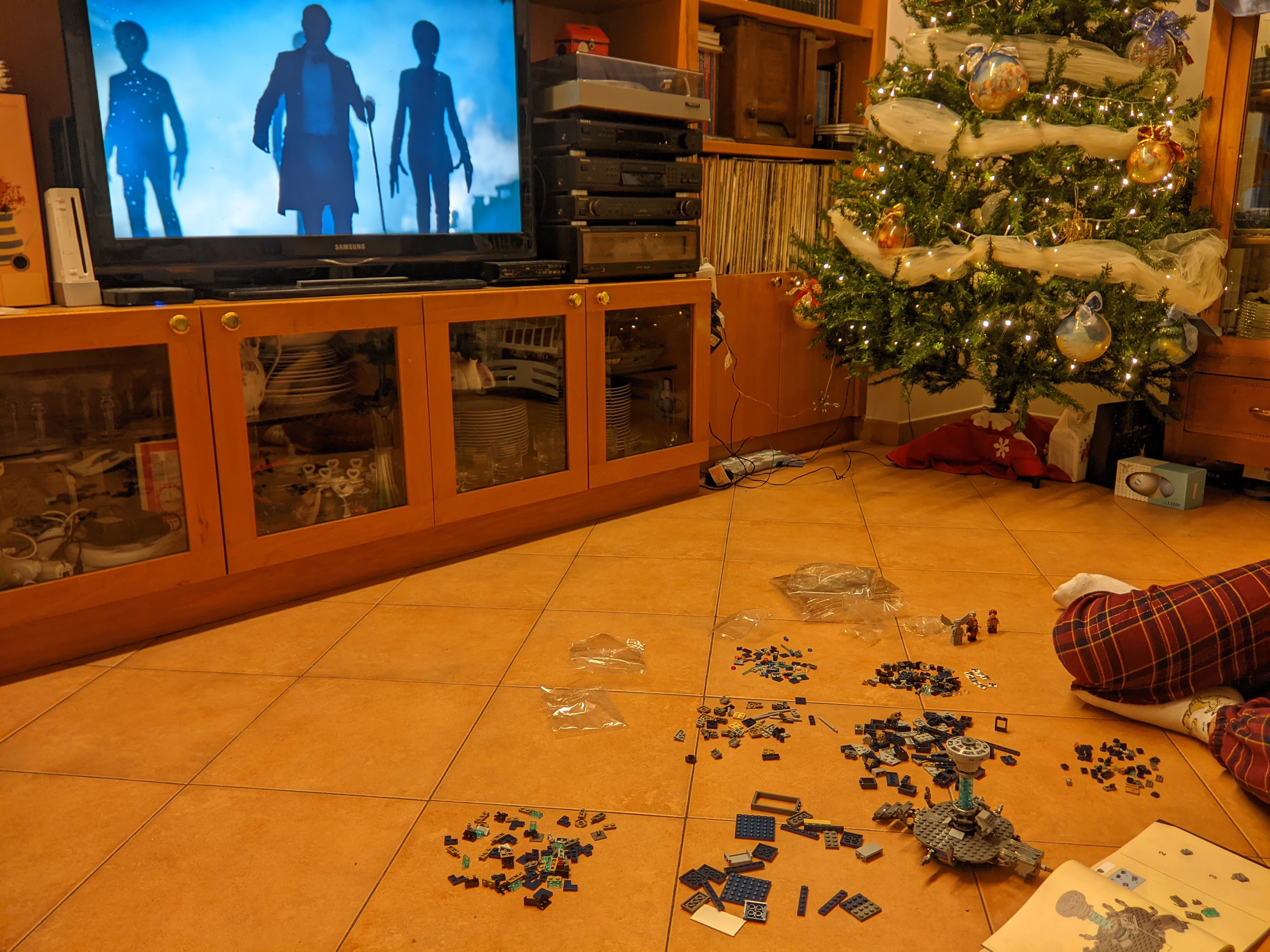
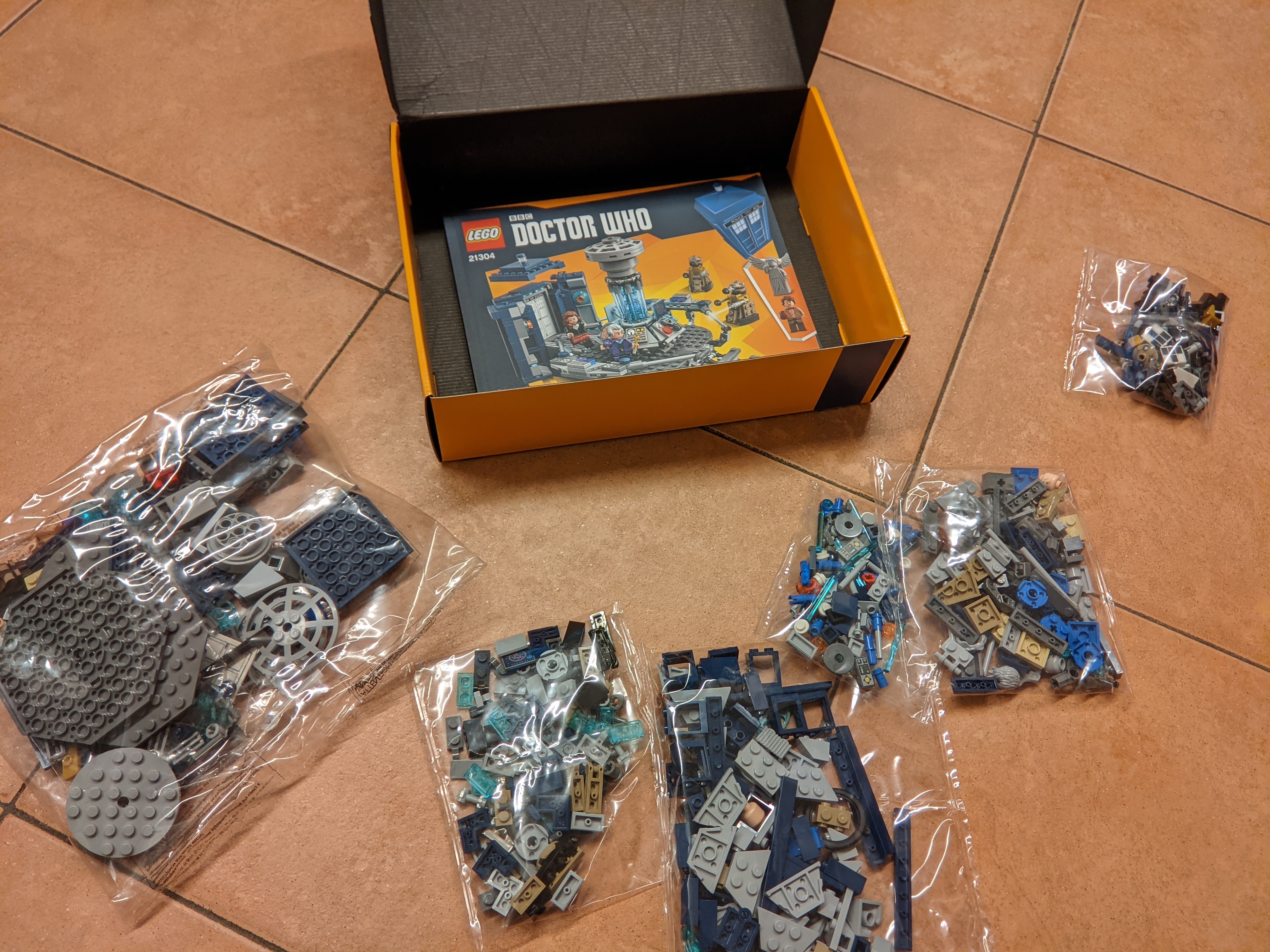
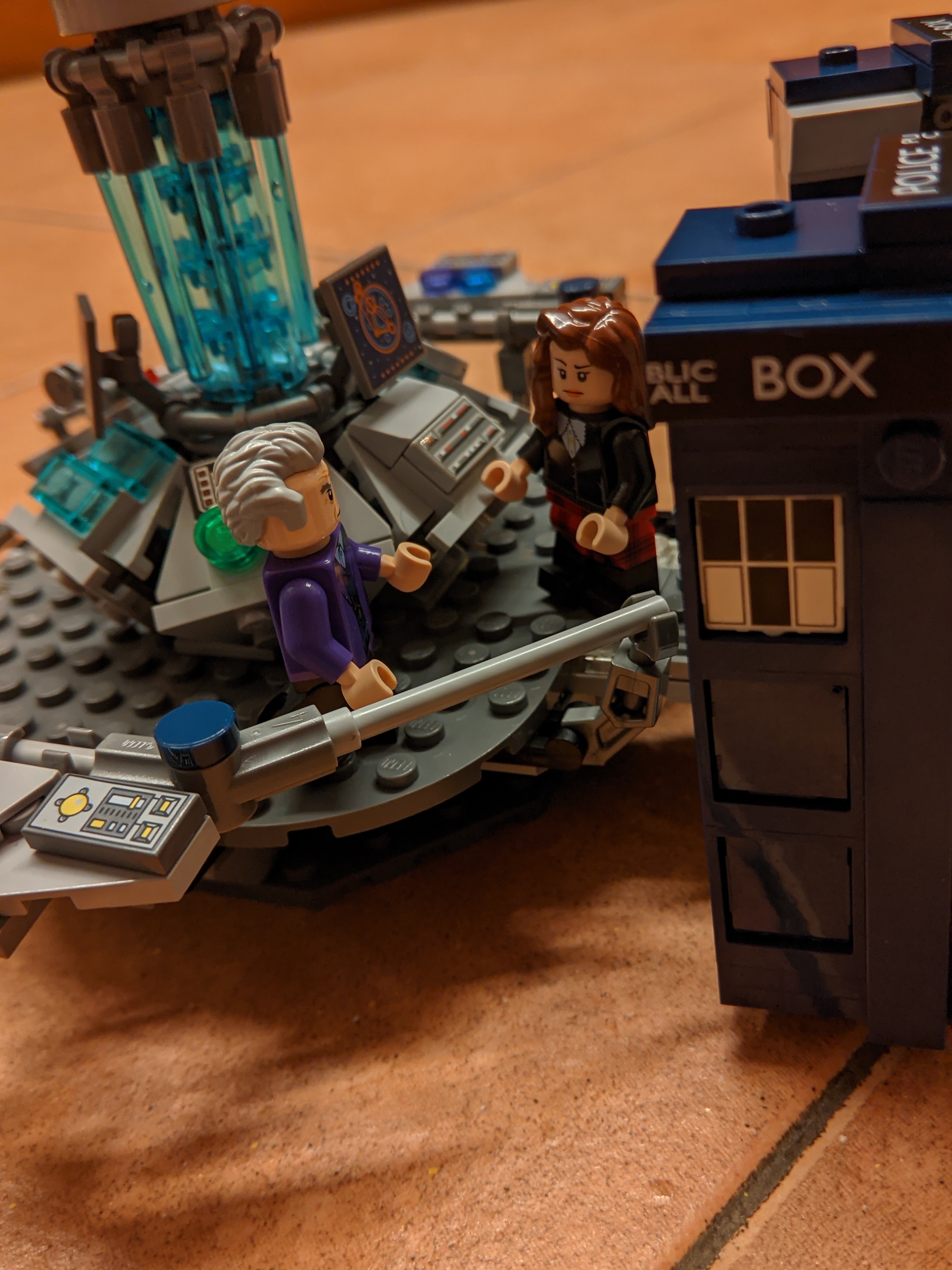
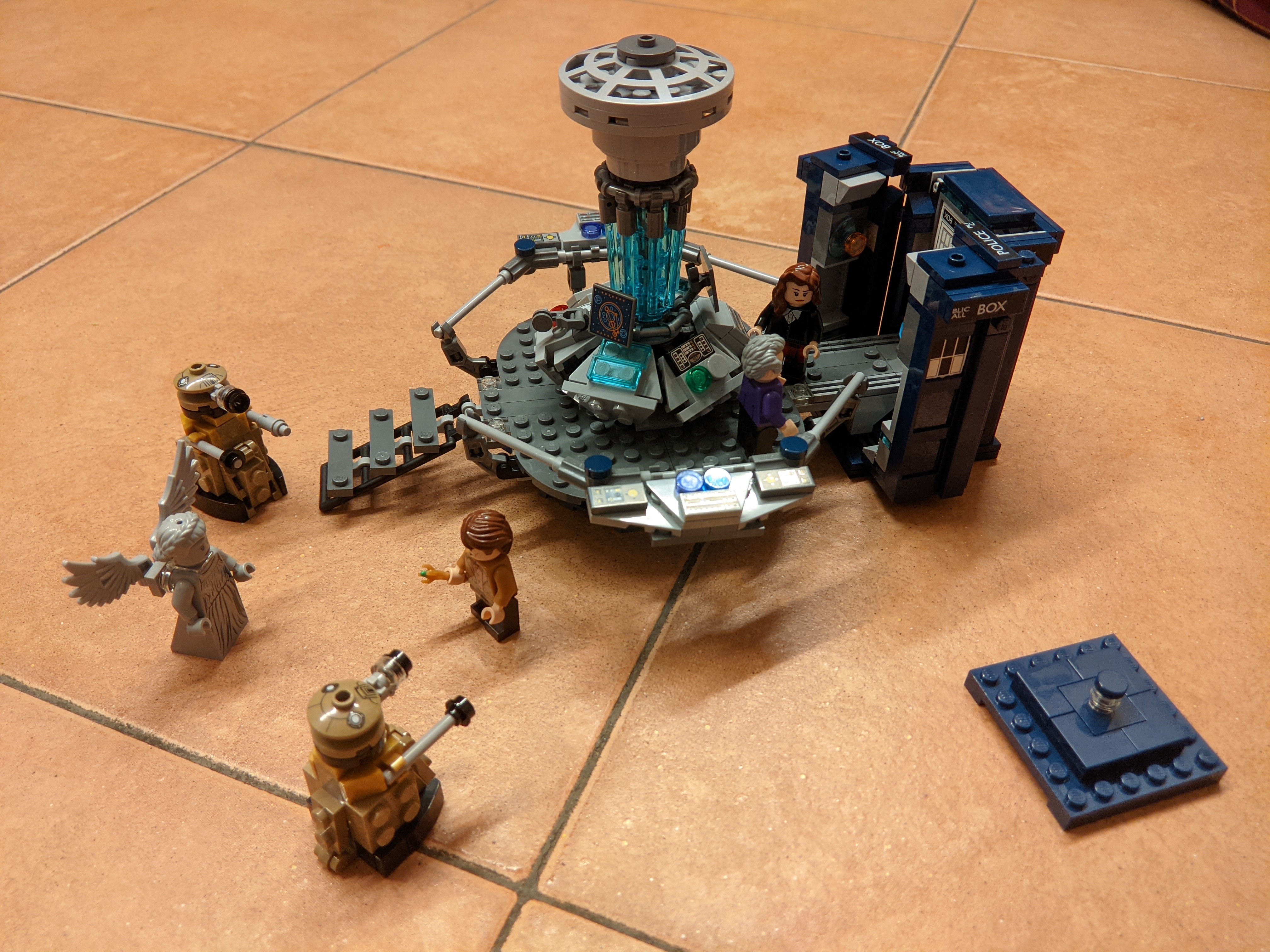
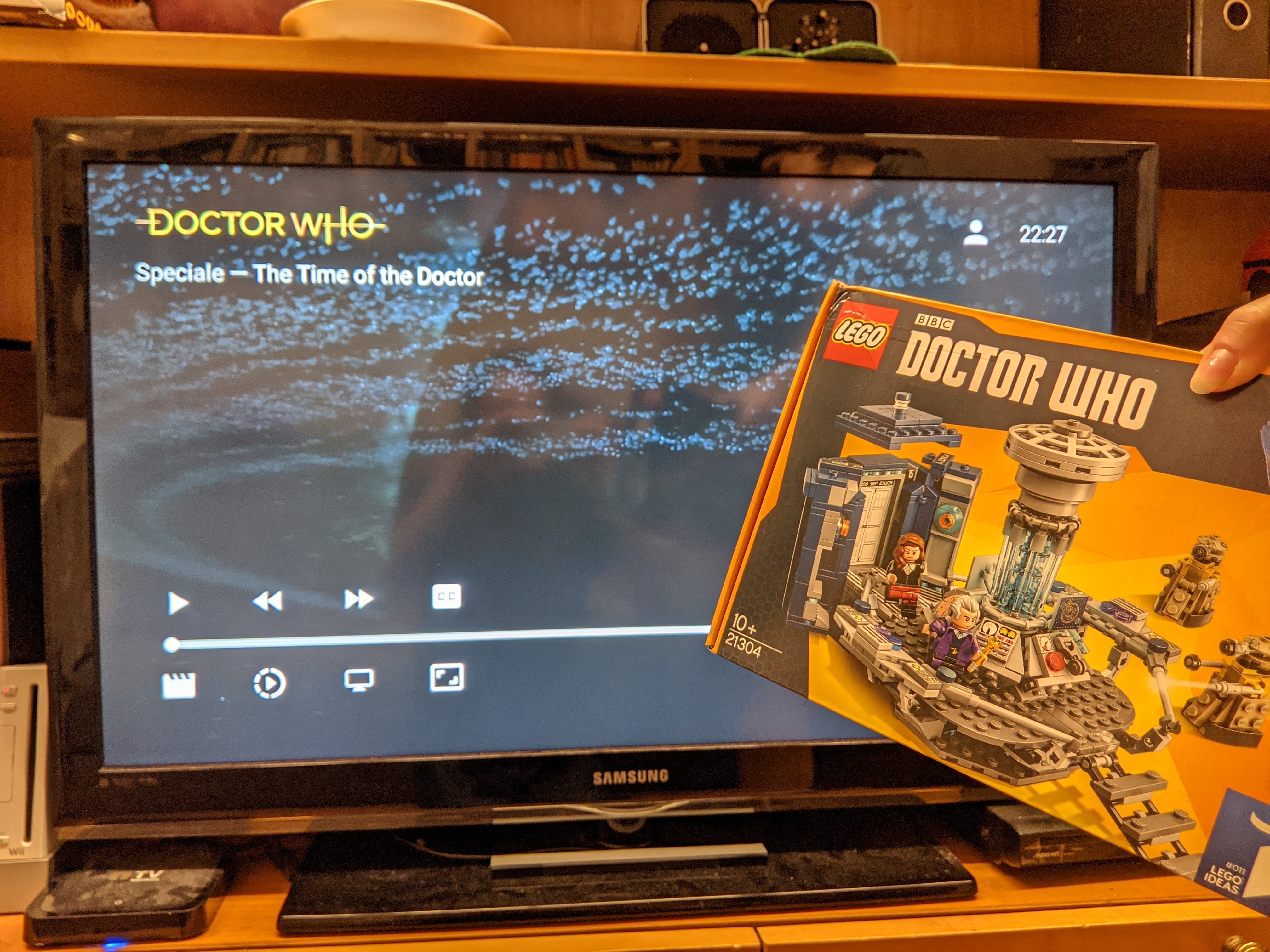
Just thought it would be fitting building while watching the matching Christmas special!

PXL_20231225_231413756

PXL_20231225_222959144

KIDNEYS! PXL_20231226_003811378

All finished up PXL_20231226_003909786


Just thought it would be fitting building while watching the matching Christmas special!

PXL_20231225_231413756

PXL_20231225_222959144

KIDNEYS! PXL_20231226_003811378

All finished up PXL_20231226_003909786

view more: next ›